
Hardware and Components — Technical Analysis
Essential Hardware and Components for Mining Rigs
Engineering Approach
Selecting components for a mining rig is an engineering decision that balances initial cost, energy consumption, and processing power. At Ecuador Crypto Build, we analyze the critical parts that make up the skeleton and brain of an efficient mining operation.
Not all components designed for gaming or servers are suitable for mining. Here we identify the hardware that truly withstands the thermal and electrical stress of distributed computing, evaluating each piece for its durability under 24-hour continuous operation and its adaptation to the specific electrical conditions of Ecuador.
Component Analysis
Parts evaluated for thermal stress, electrical stability, and durability
The Engine
Video Cards (GPU): The Engine of the Operation
GPUs are the most expensive and crucial component of the rig. For mining in Ecuador, we recommend models that offer a good ratio between hash rate and wattage consumption, such as the NVIDIA RTX series or the AMD RX series. It is vital to verify the type of integrated memory —Samsung, Hynix, or Micron— as this directly affects overclocking capacity and system stability during months of continuous operation.
Samsung memory allows for more aggressive overclocking profiles and maintains thermal stability under sustained load, while Micron variants may require more conservative memory clock adjustments to avoid calculation errors after several hours of mining.
PCIe Management
Specialized Motherboards for Mining
A mining motherboard must be able to manage multiple PCIe lanes without resource conflicts. Models like the ASRock Pro BTC series or B250 boards from specialized manufacturers eliminate the need for complex BIOS configurations to recognize more than 6 cards. We analyze the importance of PCIe bus power and the stability of voltage regulators (VRM) on the motherboard.
A quality VRM prevents voltage drops that cause random reboots when multiple GPUs demand current spikes simultaneously. Boards designed specifically for mining distribute PCIe power from dedicated 6 or 8-pin connectors instead of relying exclusively on the 24-pin slot.
Electrical Heart
Power Supplies: The Electrical Heart
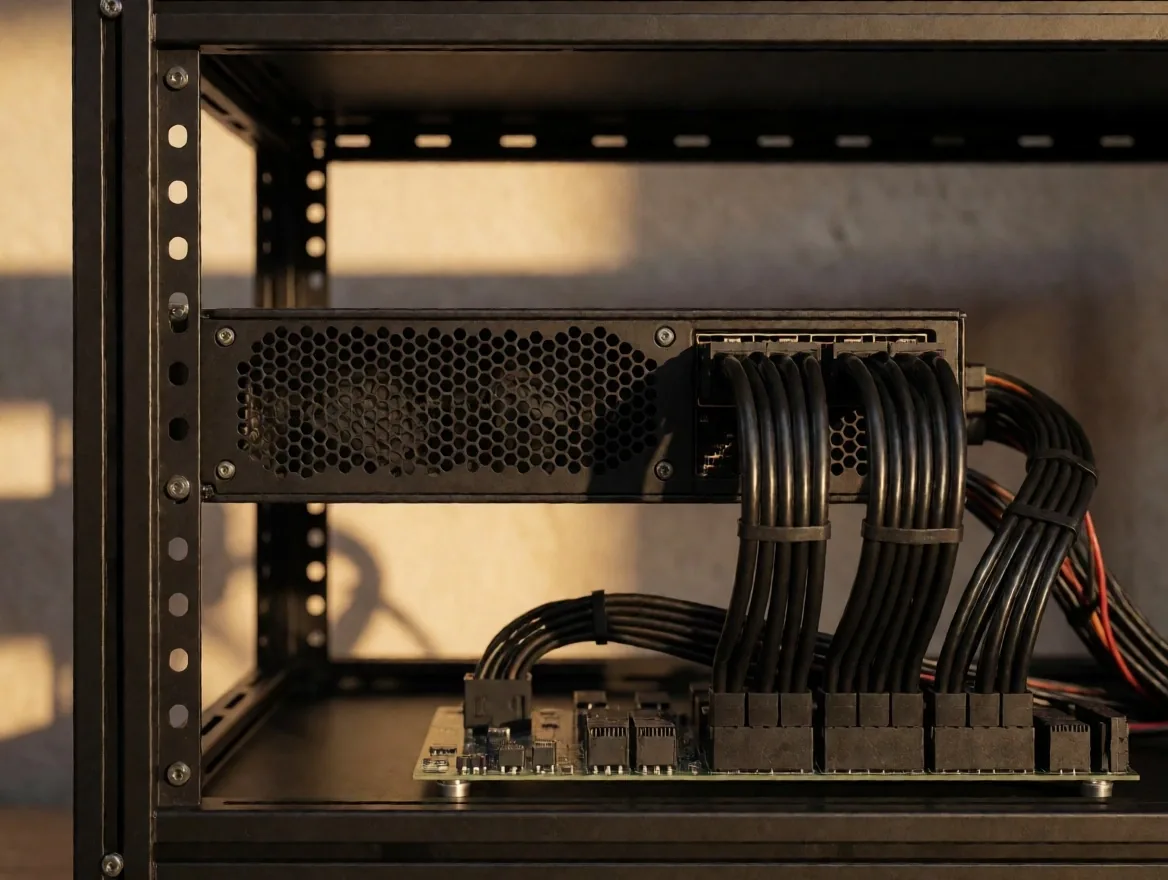
The power supply (PSU) is where many beginner miners make critical mistakes. For a farm in Ecuador, where grid stability can vary, it is essential to have power supplies with 80 Plus Gold certification or higher. We recommend using server-type power supplies with breakout boards to power multiple GPUs safely, always calculating not to exceed 80% of the rated capacity to avoid premature failure.
A rig with six GPUs can demand between 1,000 and 1,500 watts at peak. A 2,000 W Gold-certified power supply leaves a safety margin of 25–30%, which reduces capacitor wear and keeps efficiency above 90% in the usual load range.
Critical Point
High-Quality PCIe Risers
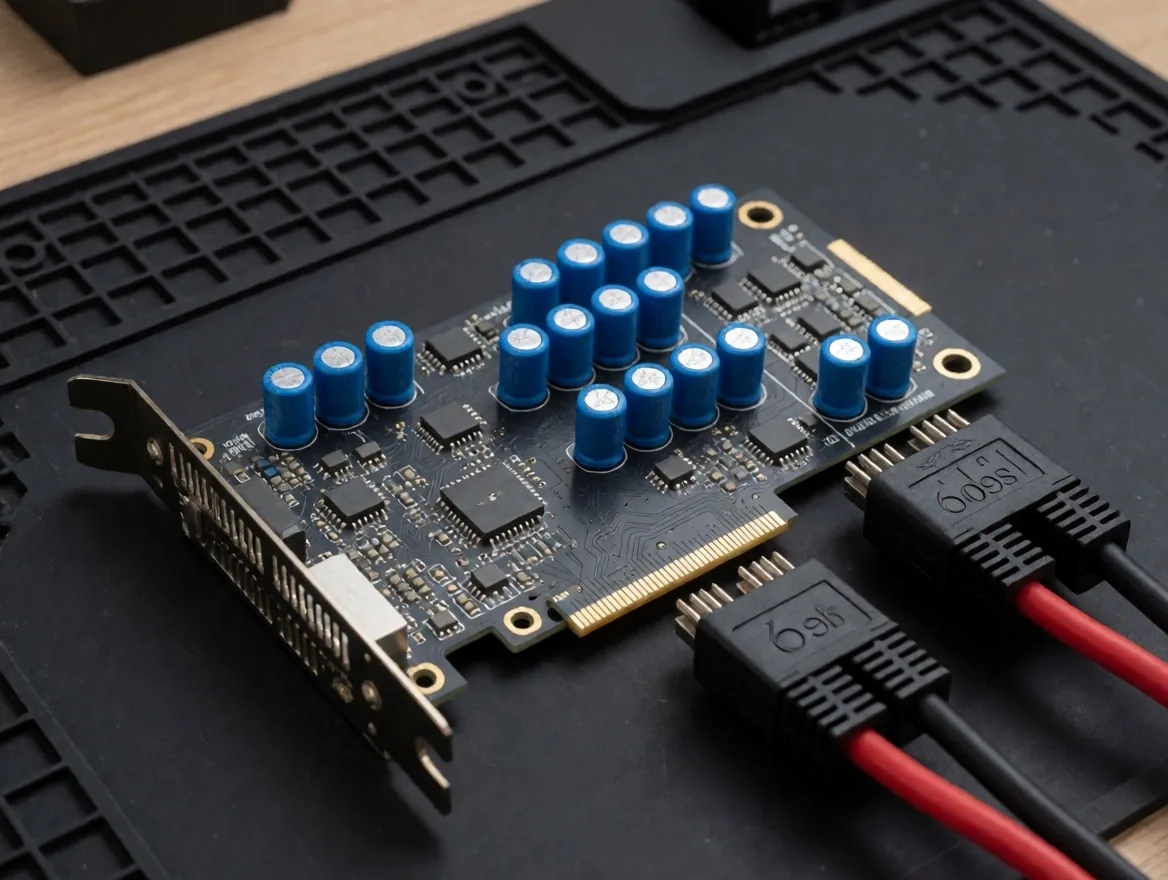
Risers are the components that fail most often in a rig. A poor-quality riser can cause fires or burn out an expensive GPU. In our guides, we emphasize the use of version 009S risers or higher, which include solid capacitors for voltage stabilization and 6-pin power connections, avoiding the use of SATA adapters that are not designed for high current loads.
The SATA connector is rated for a maximum of 54 watts per line, while a riser powered exclusively by SATA can be forced to exceed that limit. The result is melting the plastic of the connector, short circuits, and, in the worst case, total loss of the hardware connected to that line.
Airflow Diagram
How air passes through the rig and why each component depends on the next
Air intake
Front of the open frame
Ambient air enters through the open side of the aluminum frame and passes first through the air intakes of each GPU. The minimum separation between cards should be 10 to 15 millimeters so that the flow is not blocked.
Thermal exchange
GPU heatsinks and fans
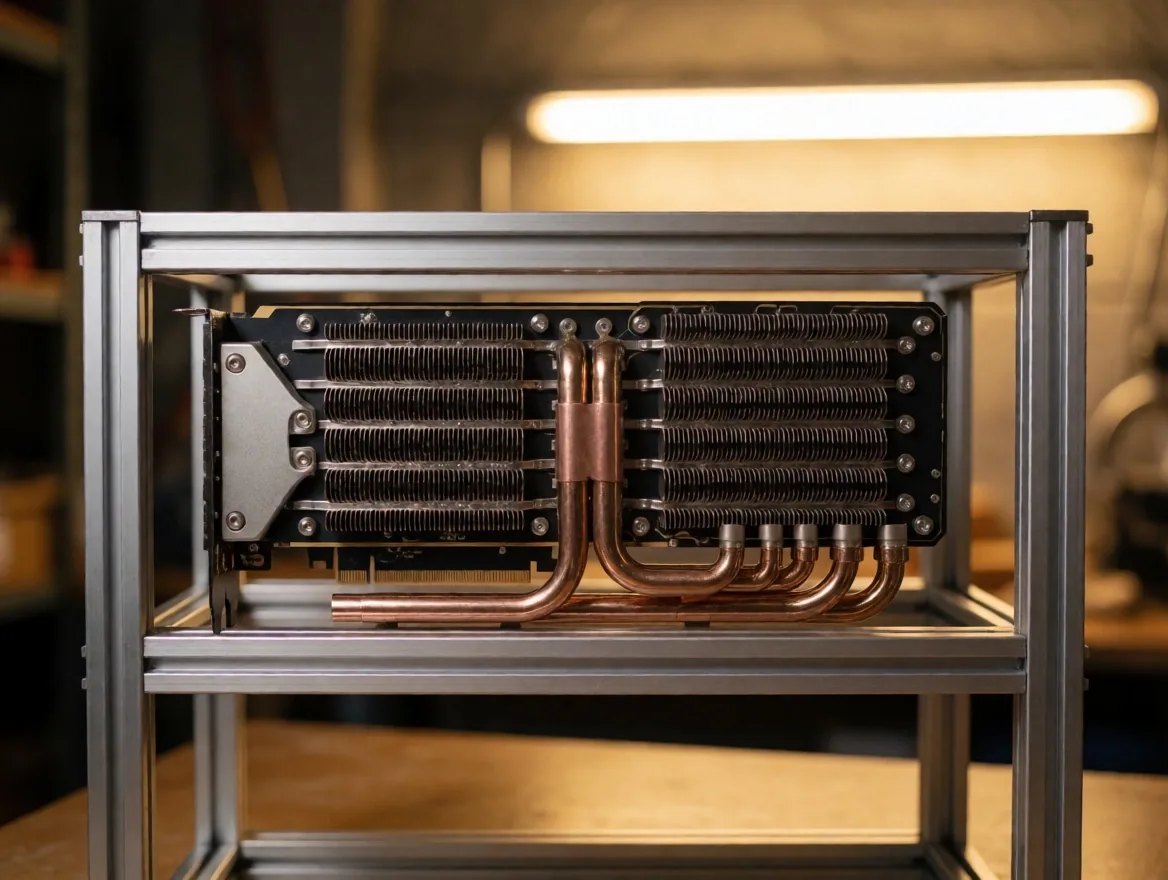
Each heatsink extracts heat from the processing core and transfers it to the airflow. The fans on each card move between 40 and 80 cubic feet per minute, depending on the model and the curve configured in the control software.
Heat output
Hot air exits from the back of the frame and must be evacuated from the room using mechanical extraction. Without active extraction, heat accumulates and the ambient temperature rises until the GPUs stabilize above their thermal safety threshold.
Airflow is not optional: it is the factor that determines whether a rig operates for months without intervention or requires constant maintenance. To delve deeper into thermal management, consult our cooling solutions guide.
Support Components
Memory, processor, and structure — where the budget is allocated with criteria
Minimum support
RAM Memory and Storage
Mining does not require large amounts of RAM or ultra-fast storage. An 8 GB DDR4 module is sufficient for most mining operating systems, and a 120 GB SSD or even a high-speed USB drive —for Linux-based systems like HiveOS— serves the purpose perfectly. What is important here is the reliability and the component's ability to operate in environments with high temperatures.
Industrial USB drives with SLC controllers are preferable to standard consumer units, as they withstand more write cycles and maintain operating system integrity in environments where the ambient temperature exceeds 35 degrees Celsius.
Coordination
Low-Power Processors (CPU)
The processor in a GPU rig performs minimal coordination tasks. Therefore, low-end CPUs like older Intel Celeron or Pentium series are preferred, as they consume very little energy and generate minimal heat. This allows the majority of the budget and electrical capacity to be allocated to the video cards, which are what generate operating income.
A Celeron G4900 consumes approximately 54 watts and its TDP is covered by the included stock cooler. In contrast, a high-end processor does not provide additional mining capacity in a rig dedicated to GPUs and only increases the system's thermal and electrical load.
Structure
Structures and Frames
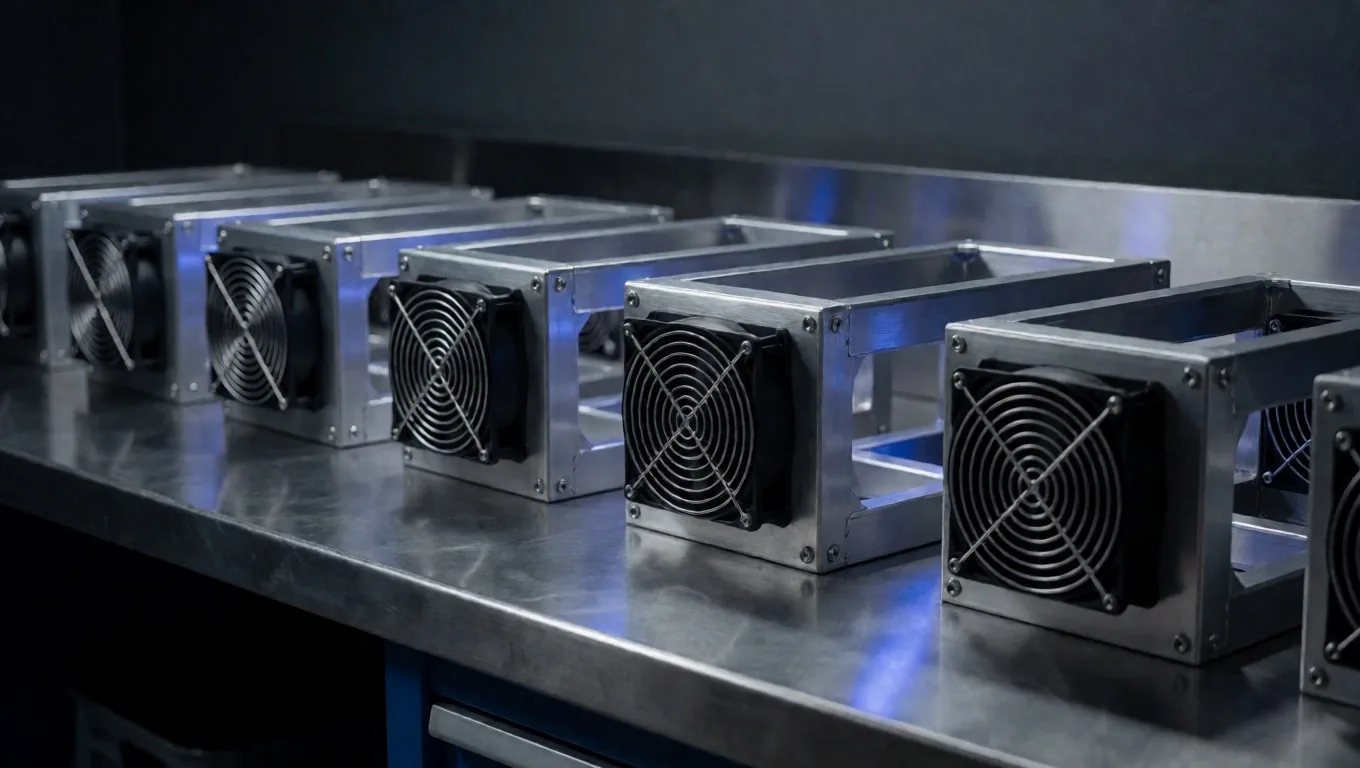
A closed chassis is counterproductive for most GPU rigs due to heat accumulation. Open aluminum frames are the standard solution, allowing for natural airflow and facilitating access for maintenance. We discuss the advantages of stackable frames for those who plan to expand their processing capacity in small spaces.
An 8 to 12-bay aluminum frame allows for housing the motherboard, several power supplies, and all GPUs with adequate spacing. Vertical stackable frames take advantage of room height and reduce the floor footprint, but require heat extraction proportional to the stacking density.
Early detection
Monitoring and Control Accessories
Integrating real-time consumption meters —such as wall wattmeters— and small diagnostic screens helps detect anomalies before they become serious failures. We also recommend the use of USB watchdogs that automatically restart the system if the software freezes, ensuring that downtime is minimal even when the operator is not physically present.
A watchdog connected to the USB port sends a restart signal to the system if the software stops responding during a programmed interval. Combined with a consumption meter independent of the mining software, it allows for visually verifying that the rig is operating within its expected electrical range during each maintenance visit.
Visual Reference
Components in a real assembly context
Frequently Asked Questions
Answers about hardware selection
Can I use a gaming motherboard for mining?+
It is possible to use a gaming motherboard for 2 to 4 GPU rigs, but when exceeding that amount, PCIe resource conflicts become frequent. Specialized boards like the ASRock Pro BTC series distribute PCIe power from dedicated connectors and allow for recognizing 6 or more cards without manual BIOS adjustments.
What minimum certification should my power supply have?+
We recommend 80 Plus Gold certification as a minimum for mining rigs. This certification guarantees a minimum efficiency of 90% at medium load, which reduces electrical waste and the heat generated by the power supply itself. In Ecuador, where the cost of electricity directly affects operation, power supply efficiency has a measurable impact on the project's viability.
Why should I not use SATA adapters to power risers?+
The SATA connector is rated for a maximum of 54 watts per line. A riser powered exclusively by SATA can be forced to exceed that limit, which causes the connector plastic to melt, short circuits, and potential loss of the connected hardware. 009S or higher version risers use 6-pin connectors designed for high current loads.
How much RAM and storage does a mining rig really need?+
An 8 GB DDR4 module and a 120 GB SSD are sufficient for most mining operating systems. For Linux-based systems like HiveOS, a high-speed industrial USB drive also serves the purpose. The selection criterion here is reliability at high temperatures, not excessive speed or capacity.
Next step
Continue with the assembly guide or consult cooling options
Once the components are selected, the next step is the physical assembly of the rig and the implementation of a cooling system suitable for the conditions in Ecuador.