Optimization · Software
Optimization and Software for Cryptocurrency Mining
01
Introduction
Software is half the equation
Hardware is only half the equation; software determines how much of that power is effectively translated into revenue. In this section, we compare the most robust operating systems and mining tools on the market, analyzing how fine-tuning firmware and drivers can increase hash rate while reducing electrical consumption.
For the miner in Ecuador, software stability is vital to avoid unnecessary physical trips to the farm. A rig that restarts on its own or loses connection to the pool represents hours of lost mining and an electricity cost that generates no return. Remote management and automatic adjustments are the difference between a profitable operation and one that loses money every time no one is watching.
02
OS Comparison
Linux vs Windows
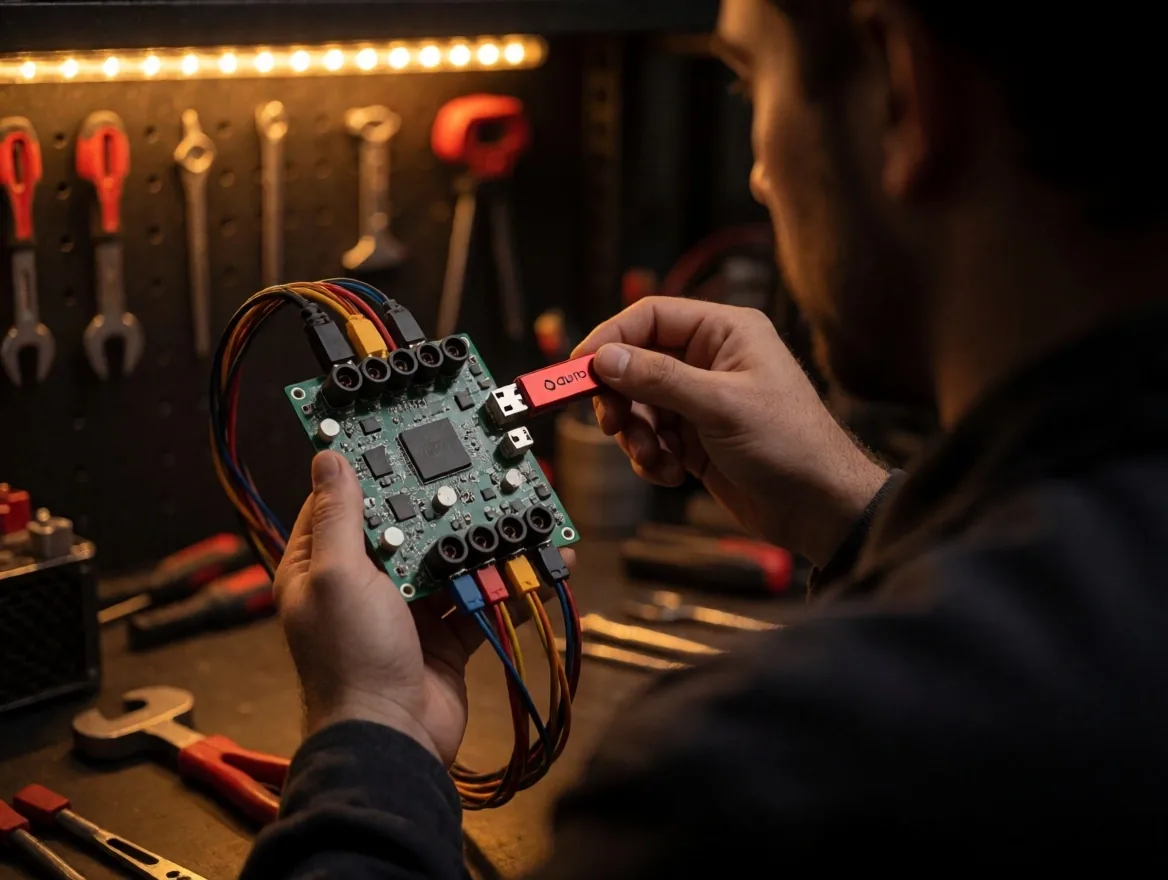
Although Windows is familiar, Linux-based systems like HiveOS, RaveOS, or MinerStat offer superior stability and integrated remote management tools. These operating systems run from a USB drive, which frees up hard drives and reduces points of failure. We analyze the advantages of each in terms of ease of use, license costs, and compatibility with different GPU models.
HiveOS
Linux-based system that runs from USB. Integrated remote management, support for Nvidia and AMD, and a web dashboard to control multiple rigs from a single place.
- License
- Free up to 4 rigs
- Boot
- USB
- Management
- Remote web dashboard
RaveOS
Alternative to HiveOS with a focus on multi-rig management. Allows switching coins and adjusting overclocking from the web dashboard. Compatible with most GPUs on the market.
- License
- Free up to 3 rigs
- Boot
- USB / SSD
- Management
- Remote web dashboard
MinerStat
System aimed at operators managing medium and large farms. Includes monitoring of temperatures, electrical consumption, and automatic alerts via email or SMS.
- License
- Monthly subscription
- Boot
- USB / SSD
- Management
- Web dashboard + API
Windows 10/11
Familiar to most users. Useful for quick tests or single-rig setups, but consumes more resources and requires manual maintenance of updates and drivers.
- License
- Commercial license
- Boot
- Hard drive / SSD
- Management
- Manual / TeamViewer
03
Overclocking
Responsible Overclocking and Undervolting
Real optimization happens when adjusting the GPU core and memory frequencies.Undervolting— reducing voltage while maintaining frequency — is essential in Ecuador to lower the electricity bill and decrease the heat generated by each card.
The goal is to find the equilibrium point where the card is stable and produces the maximum hash rate with minimum energy consumption. Aggressive undervolting can cause unexpected software crashes; a conservative one leaves money on the table in the electricity bill.
Step 1
Stock baseline
Measure the hash rate, power consumption, and temperature of each GPU with factory settings before touching any parameters. This defines the comparison point.
Step 2
Lower voltage in steps
Reduce voltage in 10–20 mV increments and observe stability for several hours. If the card fails, return to the previous value and keep it.
Step 3
Adjust memory frequency
In memory-intensive algorithms, increasing memory frequency improves hash rate more than core frequency. Test in 100 MHz steps and verify stability.
04
Kernels
Mining Software Selection
Depending on the algorithm and the card brand (NVIDIA or AMD), the choice of miner can change performance. Some kernels are better optimized for specific memory types or allow advanced LHR (Lite Hash Rate) adjustments. We provide stability and dev fee comparisons so the miner can choose the most profitable option.
The dev fee is the percentage of time the miner dedicates to the developer. A lower fee does not always mean higher profitability: you must compare the actual hash rate that each kernel delivers on the same hardware.
05
Remote monitoring
Remote Monitoring and Telemetry
To manage multiple units, it is essential to have a dashboard that sends notifications to your phone if a rig disconnects or if a card reaches dangerous temperatures. We discuss the integration of APIs and mobile applications that allow you to restart equipment remotely, change coins, or adjust overclocking profiles without needing to be in front of the machine.
In a farm with ten or more rigs, manual monitoring is no longer viable. Telemetry tools consolidate the status of all equipment into a single panel, show aggregate power consumption, and allow you to compare performance between identical rigs to detect faulty configurations.
06
ASICs
Custom Firmware for ASICs
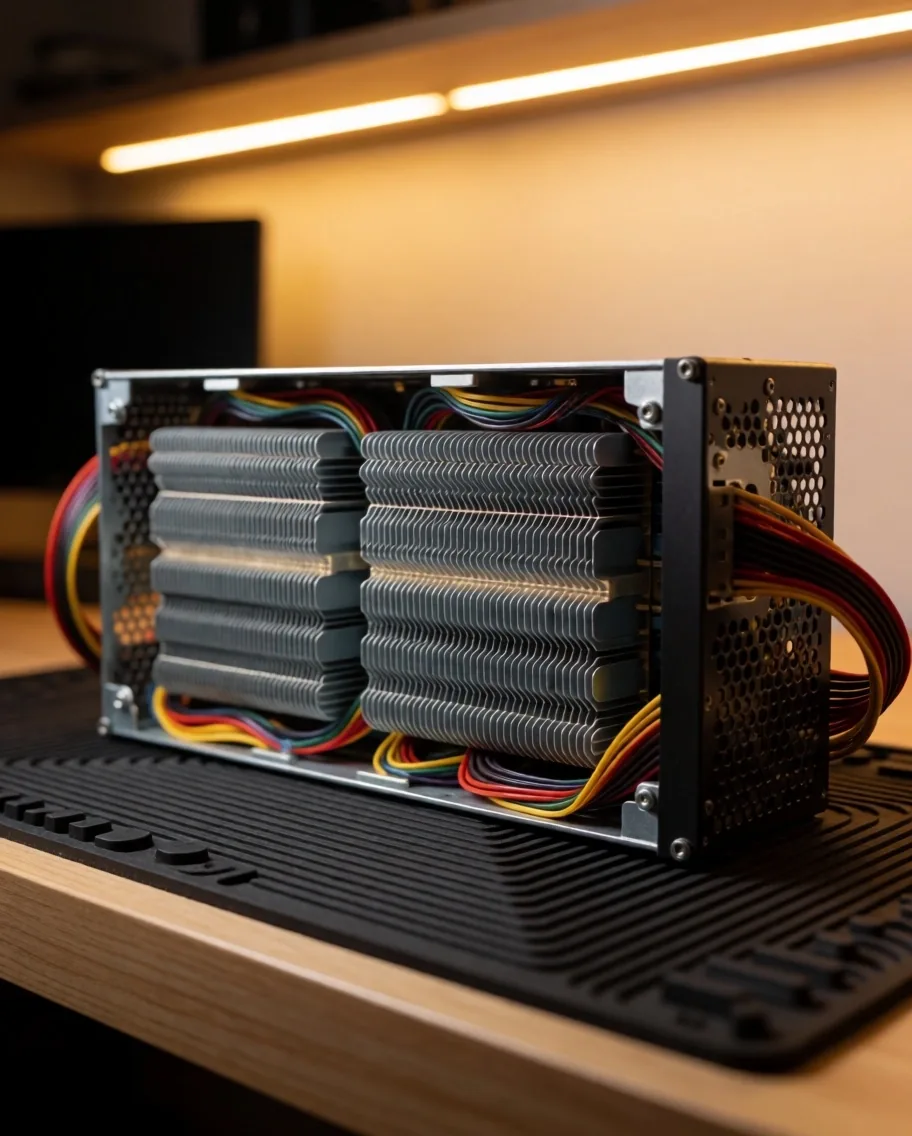
ASIC units can often benefit from third-party firmware that allows for more precise control of voltage and fan speed. On certain Antminer models, this can result in a tangible efficiency gain. However, we warn about the risks of voiding the warranty and the importance of downloading software only from verified sources.
Poorly installed firmware can brick the unit — leaving it completely unusable. The recommendation is to back up the original firmware before any changes and test on a single unit first, never on the entire farm at once.
Back up the original firmware
Save a copy before any modification so you can revert if something goes wrong.
Download only from official repositories
Modified firmware from unverified sources may include cryptojacking malware.
Test on a single unit first
Do not deploy new firmware to the entire farm simultaneously, in case there are incompatibilities.
Verify warranty loss
Installing third-party firmware voids the manufacturer's warranty on most models.
07
Pools and wallets
Wallet and Mining Pool Management
The choice of mining pool affects payment frequency and fees. We analyze pools with the best servers in the Americas to minimize latency. Additionally, we explain how to configure software so that payments are securely directed to cold wallets or custodial wallets, ensuring that mined assets are protected against network vulnerabilities.
A pool with servers in North or Central America reduces ping from Ecuador and decreases rejected shares — work sent that the pool does not validate because it arrived late. Fewer rejections mean more effective payments.
Criteria for choosing a pool
-
→
Server latency:look for pools with servers in the Americas. A ping of less than 150 ms from Ecuador reduces rejected shares.
-
→
Pool fee:varies between 0.5% and 2%. Compare the fee against payment frequency and pool size.
-
→
Minimum payment threshold:the minimum amount to receive a payment affects liquidity. A high threshold keeps your earnings in the pool.
-
→
Reputation and longevity:a pool with a long history is less prone to sudden closures or withholding payments.
-
→
Payment method:PPS+ pays per share sent regardless of whether the pool finds the block; PPLNS pays more but depends on the pool's luck.
08
Automation
Automation of Restarts and Stability
A rig that isn't mining is a constant loss. We set up automation scripts that detect driver errors and restart the software autonomously. We also cover the configuration ofwatchdogs(hardware and software) that ensure that, in the event of any electrical or network issue, the equipment resumes its work in the shortest time possible.
Software watchdog
A script monitors the miner process every 60 seconds. If the process stops responding or the hash rate drops to zero, the script kills the process and restarts it automatically. In HiveOS and RaveOS, this feature is built-in; in Windows, it must be configured manually with batch scripts or tools like OMEN.
Hardware watchdog
A physical device connected to PCIe or USB that cuts and restores power to the motherboard if the system stops responding. Useful when the rig freezes completely and the software watchdog cannot act. Some models allow restarting individual GPUs without affecting the rest of the equipment.
09
Security
System Updates and Security
Keeping software updated is crucial to get the latest optimizations from developers, but a failed update can stop an entire farm. We recommend testing protocols on a single rig before deploying updates on a large scale. Additionally, we cover the importance of changing default passwords and closing unnecessary ports to prevent cryptojacking.
Secure update protocol
-
01
Back up the current configuration of the test rig (overclocking, pools, wallets).
-
02
Apply the update to a single unit and monitor it for 24 hours.
-
03
Compare hash rate and power consumption before and after. If there is a regression, revert.
-
04
If the test rig is stable, deploy in batches of 3–4 rigs, not the entire farm.
Basic rig hardening
-
Change the default administrator password in the operating system and the web panel.
-
Close ports not used by the miner. Only the pool port and the remote management port should be open.
-
Use a VPN to access the management panel instead of exposing the port directly to the internet.
-
Disable automatic login. An attacker with physical access to the rig can redirect payments.
-
Configure alerts for unexpected changes in power consumption, a common symptom of cryptojacking.
Next steps
Review your configuration with a specialist
If you already have your farm operational and want to evaluate if your software configuration is delivering maximum performance, contact us for a technical review. We review your overclocking profiles, the stability of your kernels, and the security of your remote management infrastructure.